
Air Cooling vs Liquid Cooling: Key Differences and How to Choose

As AI servers and high-performance computing push power consumption higher every year, one question keeps coming up in thermal design reviews: is air cooling still enough, or is it time to move to liquid? Air cooling uses fans and heat sinks to carry heat away. It is mature, reliable and inexpensive. Liquid cooling uses a fluid as the heat transfer medium and can handle far higher heat density.
Neither one replaces the other. Each has a range of power density, budget and maintenance conditions where it is the better fit. This guide compares air cooling vs liquid cooling across working principles, key differences and selection criteria, so you can choose the right approach for your system.
1. Technical Background
Nearly all the electrical power an electronic component draws ends up as heat. A cooling system has one job: move that heat from the chip surface to the outside environment. The difference between cooling methods comes down to the medium that carries it.
Air is free, non-conductive and cannot leak, but it holds very little heat per unit volume. Water has roughly 3,500 times the volumetric heat capacity of air and more than 20 times its thermal conductivity. That physical gap is the real reason high-density equipment is moving toward liquid.
Most equipment, however, still runs well within the range air handles comfortably. The Uptime Institute's 2024 global data center survey put typical average rack density at about 8 kW. What drives liquid cooling demand is the AI rack that now exceeds 100 kW. For the air side of that problem, see our guide to server thermal management for high-density AI systems.
2. How Air Cooling and Liquid Cooling Work
1) Air Cooling
Heat travels from the chip through a thermal interface material (TIM) into a heat sink or heat pipe. Fans then drive air across the fins and out of the chassis.
✔ Core components: Cooling fans, heat sinks, heat pipes and vapor chambers.
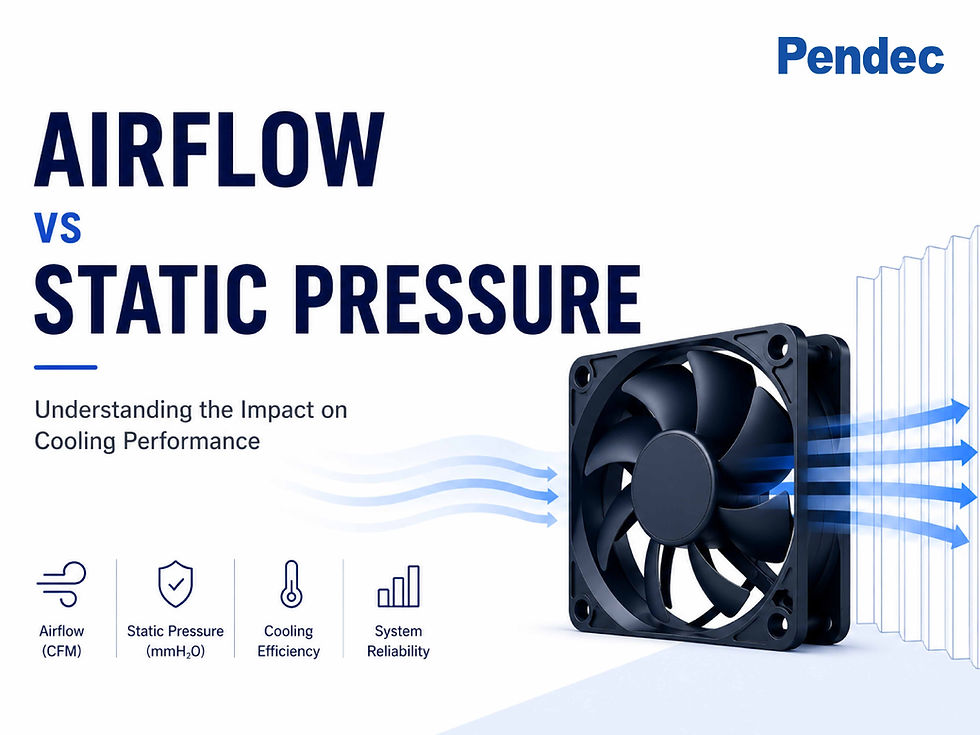
✔ What sets performance: Airflow (CFM) determines how much heat can be carried away. Static pressure determines whether air can get through dense fins and narrow channels. Our static pressure vs airflow guide covers the trade-off in detail.
✔ Facility level: Room air handlers and hot/cold aisle containment remove the exhaust heat from the data hall. Inside the chassis, the same principles apply when you improve airflow in enclosed spaces.
2) Liquid Cooling
A coolant circulates in a closed loop, contacts the heat source directly or indirectly, and rejects the heat through a heat exchanger. Three architectures are common:
✔ Direct-to-chip (D2C) cold plates: Coolant flows through a cold plate mounted on the CPU or GPU. This is the mainstream approach for AI servers today.
✔ Immersion cooling: The entire server sits in a non-conductive dielectric fluid, in either single-phase or two-phase form.
✔ Rear door heat exchanger (RDHx): The servers stay air-cooled, and a liquid-cooled coil in the rack door absorbs the exhaust heat.
📌 Application example — AI GPU servers: Cold plates remove the bulk of the heat from GPUs and CPUs, with a coolant distribution unit (CDU) managing flow and temperature. Memory, power supplies and network cards are still cooled by fans.
3. Air Cooling vs Liquid Cooling: Side-by-Side Comparison
Criteria | Air Cooling | Liquid Cooling |
Heat transfer medium | Air | Water, water-glycol or dielectric fluid |
Cooling capacity | Best at low to medium density; efficiency drops beyond roughly 20–40 kW per rack | Supports 50 kW to 100 kW+ per rack |
Upfront cost | Low; simple architecture | High; cold plates, piping, CDUs and facility work |
Maintenance | Simple; fans are hot-swappable | More demanding; coolant quality and leak detection |
Noise | Louder at high load as fan speed rises | Fans can run slower; quieter overall |
Main risks | Hot spots, dust buildup, fan wear | Leaks, corrosion, pump failure |
Typical use | General servers, networking, industrial control, storage, power equipment | AI/HPC high-density racks, space-constrained high-power systems |
*Rack density figures are commonly cited industry ranges. Actual limits depend on mechanical design, inlet temperature and airflow management.
1) Cooling Capacity
As rack power climbs, the airflow and fan power that air cooling needs rise quickly, with diminishing returns. Liquid removes heat right at the source, which is why it can support racks in the 100 kW class.
2) Cost and Maintenance
Air cooling is well understood, has a complete supply chain, and is familiar to on-site staff. Liquid cooling costs more to install and to operate, but in dense deployments it can lower total energy use and improve PUE.
3) Reliability and Risk
Air cooling has no leak risk, and its failure modes are simple and predictable. Liquid cooling needs leak detection, regular coolant testing and redundant pumps to reach the same level of reliability.
4. Why Liquid-Cooled Systems Still Need Fans
"Once you switch to liquid, you no longer need fans" is a common misconception. In practice, most liquid-cooled systems are hybrid systems.
✔ Cold plates capture only part of the heat: Direct-to-chip cooling typically removes around 70–80% of server heat. The rest still leaves by air.
✔ Peripheral components stay air-cooled: Memory, VRMs, SSDs, network cards and power supplies usually have no cold plate.
✔ Liquid-to-air heat exchange depends on fans: Radiators, rear door heat exchangers and liquid-to-air CDUs all rely on high-static-pressure fans to push air through dense fins.

📌 Application example — radiators and heat exchangers: Fin density is high and so is airflow resistance. Select a high-static-pressure fan with PWM fan control so it can slow down, and quiet down, at low load.
5. Design and Selection Recommendations
1) Start With Heat Density
✔ Up to about 20 kW per rack: Air cooling is the most cost-effective choice.
✔ About 20–40 kW: Air cooling still works, but it needs high-static-pressure fans, aisle containment or a rear door heat exchanger.
✔ 50 kW and above: Evaluate direct-to-chip liquid cooling. AI racks above 100 kW effectively require it.

2) Assess Existing Infrastructure
If a facility has no chilled water loop or lacks the floor loading capacity, retrofit costs can exceed the cost of the equipment. Air cooling or a liquid-to-air solution is often the practical bridge.
3) Compare Total Cost of Ownership, Not Just Upfront Cost
Weigh installation, electricity, maintenance labor and downtime risk together to see which option costs less over the product's life.
4) Never Skip Airflow Design
Whichever method you choose, select the fan operating point from the system impedance and the fan performance curve, and keep a 10–30% thermal margin for ambient variation and component aging. To estimate heat load and required airflow, see how to calculate cooling requirements for electronics.
📌 Application example — edge computing and industrial equipment: Sites are distributed, maintenance staff are limited, and dust or moisture is common. Air cooling with IP-rated waterproof and dustproof fans is the recommended approach.
6. Frequently Asked Questions
1) Is liquid cooling always better than air cooling?
No. Liquid cooling has higher capacity, but also higher cost and maintenance complexity. For low- and medium-density equipment, air cooling is simpler, more reliable and more economical.
2) Where is the limit of air cooling?
There is no single number. The industry generally treats racks up to 20 kW as air cooling's comfort zone. Good airflow design can extend that to 30–40 kW, and beyond that liquid assistance is needed.
3) Is water cooling the same as liquid cooling?
The terms are often used interchangeably. Liquid cooling is the broader term, covering water, water-glycol and dielectric fluids. Water cooling usually refers to cold plate systems that use water as the main coolant.
4) Do liquid-cooled systems still need fans?
Yes. Apart from full immersion systems, liquid-cooled equipment still needs fans for the components cold plates do not cover, and for radiators and heat exchangers.
7. Conclusion: Key Takeaways
✔ The medium sets the ceiling: Water holds far more heat than air, so liquid cooling handles higher heat density.
✔ Air cooling remains the mainstream: Low cost, easy maintenance and no leak risk make it right for most low- and medium-power equipment.
✔ Liquid cooling is for high density: Once rack power exceeds what air can remove efficiently, cold plate or immersion cooling becomes necessary.
✔ Hybrid is the norm: Most liquid-cooled systems still depend on fans, which makes static pressure and smart speed control more important, not less.
✔ Select by heat density and TCO: Confirm the heat load and facility conditions first, then decide on the cooling architecture.
8. Pendec Cooling Solutions
Whether your system is air-cooled or a hybrid of air and liquid, stable airflow is the foundation of the thermal design. Pendec supplies industrial-grade DC Axial Fans 3828, 4028 and 4056, the Intelligent Cooling Fan, the Waterproof Fan Module, and thermal modules such as EVAC heat sinks, with high static pressure and PWM speed control for servers, networking equipment and industrial systems.
📌Contact the Pendec team and our engineers will help you evaluate your heat load and select the right fans and thermal modules for an efficient, reliable cooling solution.


Comments